|
||||||
|
||||||
| Pelatihan
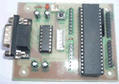
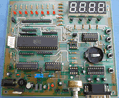
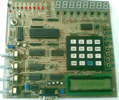
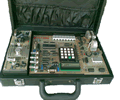
Mikrokontroller Microcontroller Kits Simple
Mikrokontroller 89s51 Trainer + Include
|
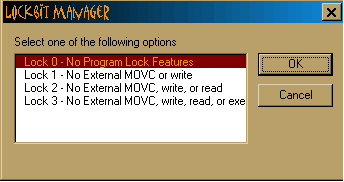
6. Lockbit Settings
Figure 11. Lockbit Manager Dialog
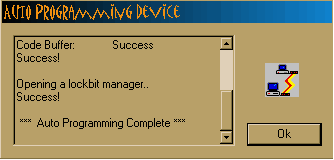
Figure 12. Auto Programming Dialog
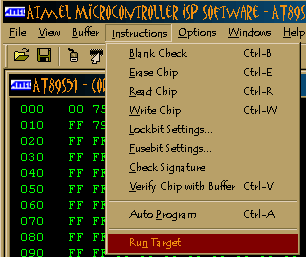
7. Run Target
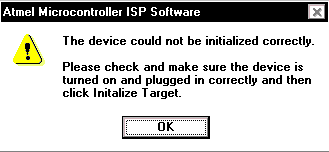
Figure 13. Run Target Instruction 8. Troubleshooting This section discusses some of the common problems you might encounter when using the software and what to do when you encounter them. The program reports that the device is locked even after a Chip Erase command has been executed. The software is most likely having trouble communicating with the device. Check the cable connection and make sure the device is on. Then run the Initialize Target command from the Options menu.
Figure 14. Error according to device error The program reports write failures when attempting to
write the buffer(s) to the chip. This usually occurs when the XTAL frequency
is not set to the correct value in the software. To set the XTAL chose
Select Device from the Options menu and input the correct XTAL frequency
that is being used by the device. Then run the Initialize Target command
from the Options menu.
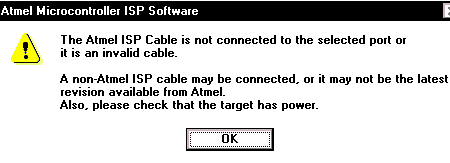
Figure 15. Error according to cable connection.
Comments, questions and discussion about this topic
|
|
||||
    |
||||||